Loading


We were hired by one of the world’s largest shipping companies to craft an online print and ship experience for their enterprise clients.
FedEx Office provides reliable service and access to printing and shipping. Their services include copying, digital printing, professional finishing, signs, and corporate print solutions.
The project began with a single designer and researcher, growing into a cross practice, multi-pod organization with dedicated research resources and full stack development teams.
I joined the project as the lead UX designer of the Commercial Print Online product. I was responsible for the delivery and output of a 2-3 person design team while simultaneously managing the client relationship.
My focus was split between delivering hi-fidelity design documentation and prototypes, assisting with research, and participating in project planning.
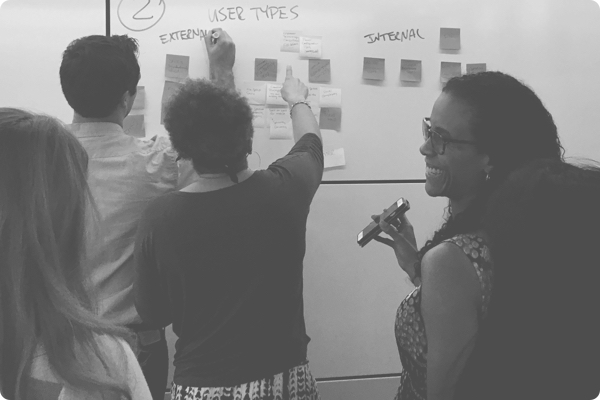
After participating in an initial round of customer research, I was able to establish myself as a trusted advocate of the user who could help steer the direction of the product based on the customer insights. Participating in customer research enabled me to recall and communicate the needs of the customers to product owners, developers and the broader executive team.
Prior to restructuring into a multi pod structure, I helped establish hand off protocol with FedEx's in house developers, ultimately laying the groundwork for the broader redesign of both the commercial and customer facing online print experience.
The project provided me an opportunity to manage a team of designers, while simultaneously developing new strategies for engaging with large client organizations.
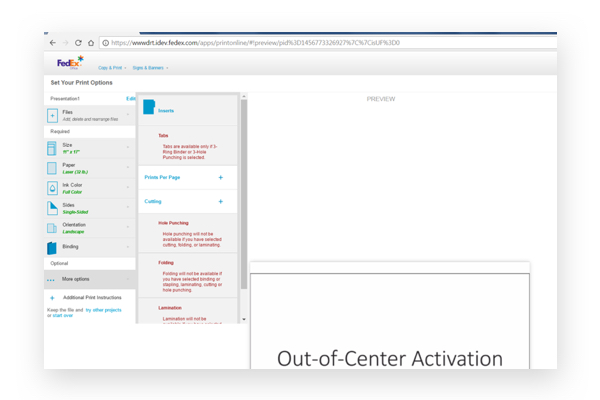
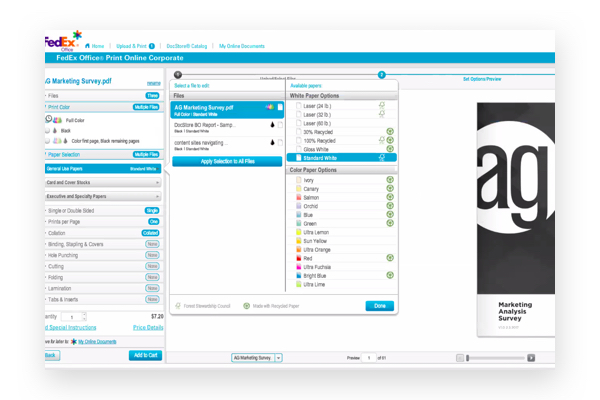
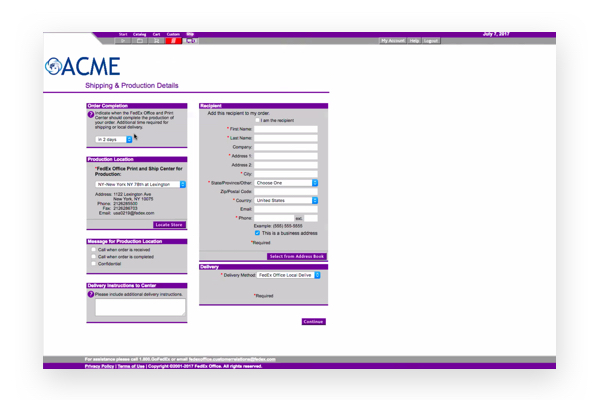
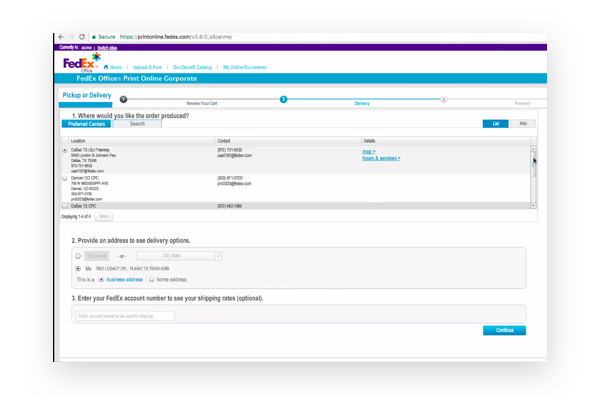
The current product presented several challenges. An outdated tech stack had led to multiple conflicting legacy web applications, one still relying on Flash for its print configurator. Additionally, the legacy products were not optimized for mobile devices, creating significant friction for customers and staff.
Design and development teams were distributed across multiple national offices, creating siloed teams. A disconnect between product and sale representatives created miscommunication around delivery timelines, specifically around highly desired features that were promised to customers.
Lastly, print configuration UI differed vastly across applications. Terminology and information architecture inconsistencies carried over to stores, leading to confusion and further miscommunication.
The organization demonstrated relatively low design maturity, allowing us to apply our full methodology and embed with their teams to provide support and education.
The key to a successful product begins with understanding the user and the organization who hope to bring value to their customers daily work life.
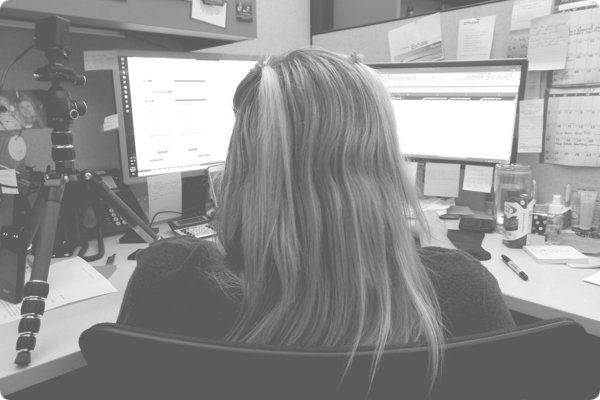
There was a large volume of previously conducted research in the form of customer segmentation reports, surveys, and site analytics. We were able to position our approach, stressing direct customer interviews and engagements, to provide improved insight and value to the organization.
The stakeholders for the project stretched across several departments including account management, marketing, branding, engineering and product management.
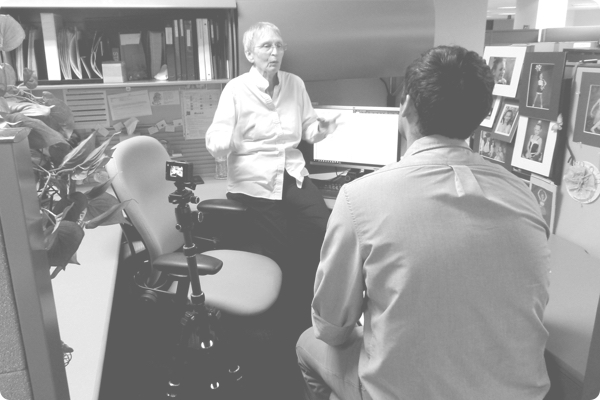
With a better understanding of how the organization interprets their current customer, we were able to schedule interviews with specific local customers.
The contextual inquires took place within the customer’s personal work environments in order to capture realistic pain points and friction experienced when fulfilling print orders online.
We discovered a myriad of performance issues, disjointed approval processes, and a high frequency of having to pick up the phone tp call the sales representatives for help.
By cross referencing the needs of the organization with those of the user, we were able to create a prioritized list of MVP features that would provide a seamless transition for customers to the new platform.
Following the stakeholder interviews, we called attention to the fragmented nature of the organization prescribing the need for a provisional persona workshop and “Speedboat” exercise.
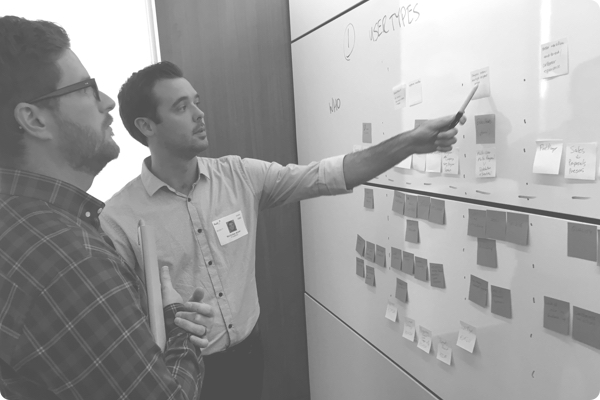
The 2-hour session provided an opportunity to have all involved parties, in the same room, discussing the product needs along with the newly exposed customer insights.
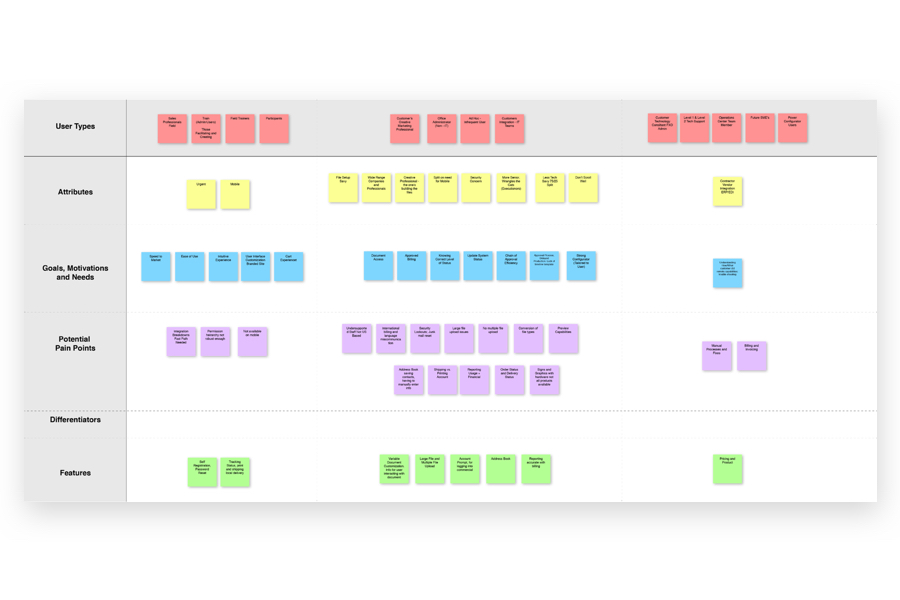
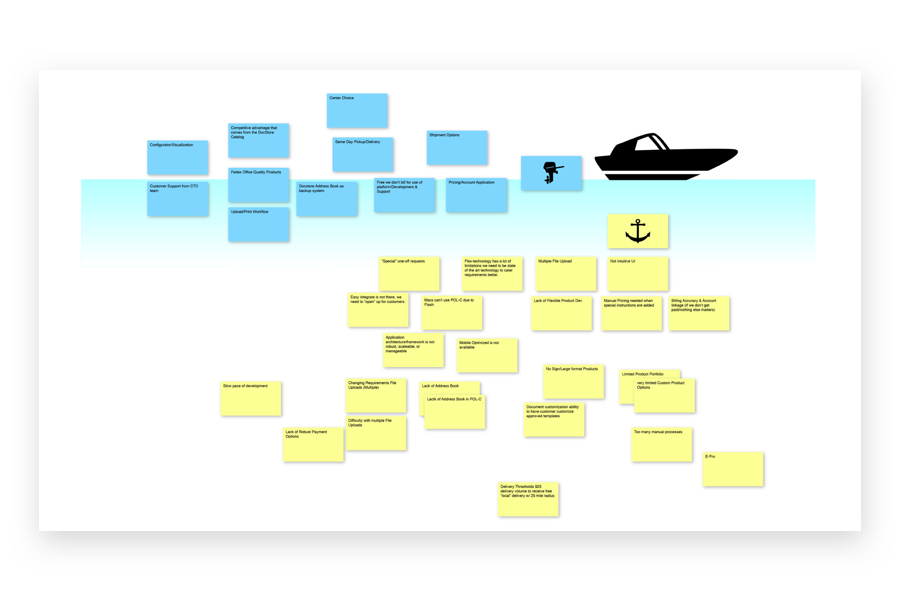
A breakthrough came when employees began empathizing with their cohorts while hearing firsthand the difficulties their customers were experiencing.
A noteworthy insight exposed the complexity of customers filling multiple roles within their organizations. When creating a catalog of print products there are multiple touch points for admins. Not only were site admins interacting with the individuals ordering the actual prints, but also communicating with marketing, executive, and finance departments.
This intricate process necessitated a careful approach to designing a completely new print and order experience, beginning with the most elemental user placing a simple pre-configured print product. This base persona would evolve into highly specialized site administrators responsible for resourcing and order approvals.
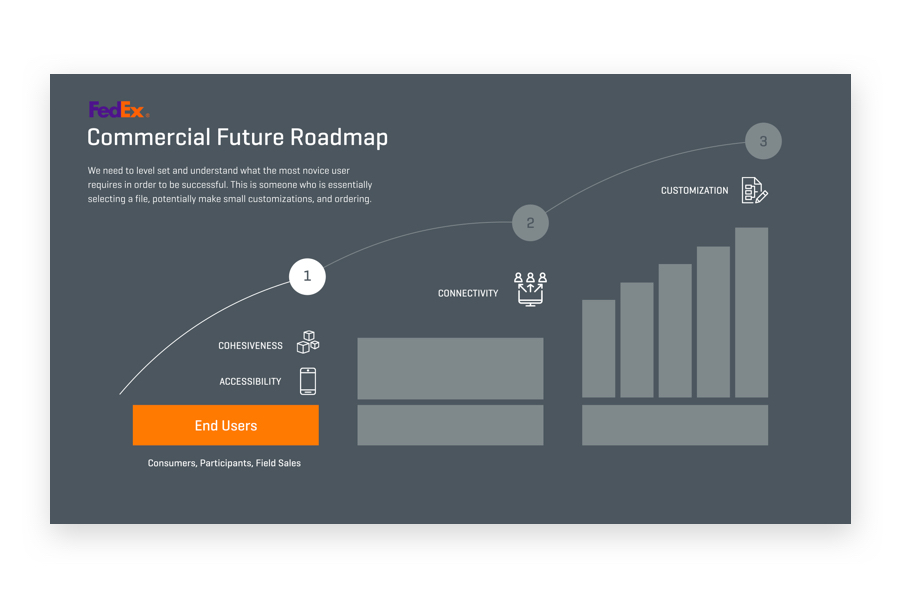
The initial phase covered features designed to serve customers ordering pre-configured print documents. This laid the foundation for future admins responsible for managing and publishing print documents across their organizations.
The strategy considered mobile and desktop breakpoints ensuring features would be responsive and flexible when distributed across devices. With a responsive strategy baked in, FedEx was positioned to take advantage of the increasing demand for mobile enabled print ordering.
Documentation and tracking of these features was necessary for product success. The team was in need of a lightweight task tracking solution that could by pass the companies restrictive ticketing system. Trello was used to help educate the development team around writing better user stories and provided a means to visually track design progress and feature decisions.

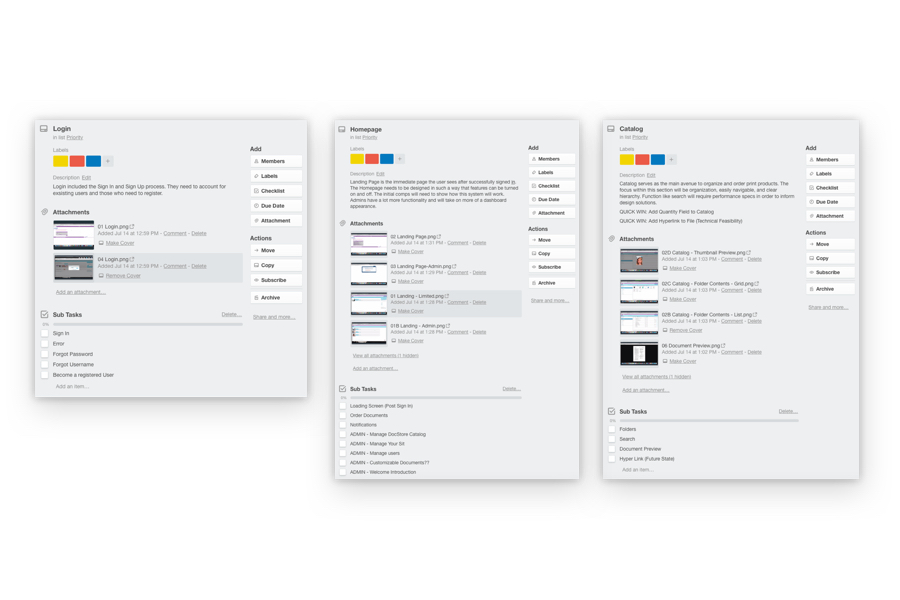
The original design backlog for the Commercial Product was converted and used as a framework for my teams development tasks.
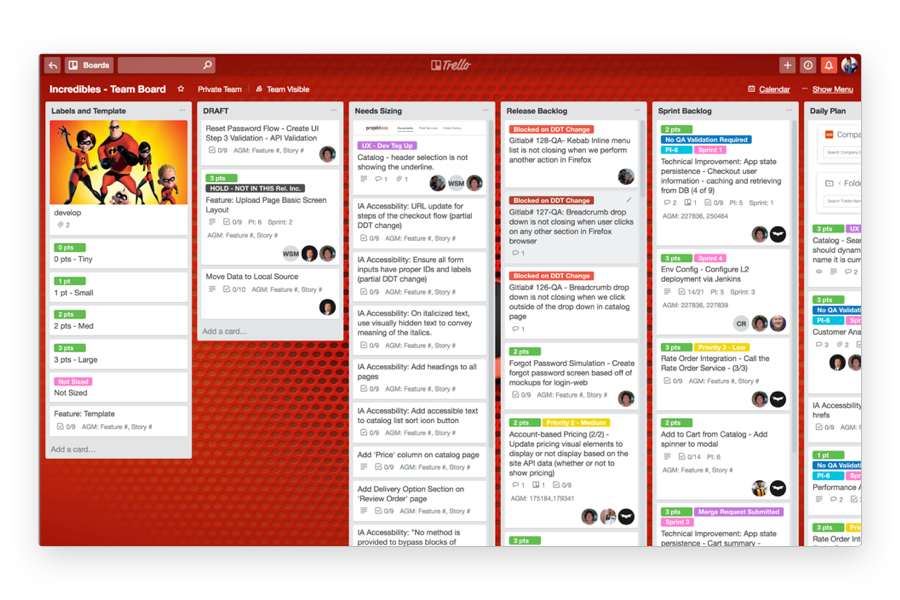
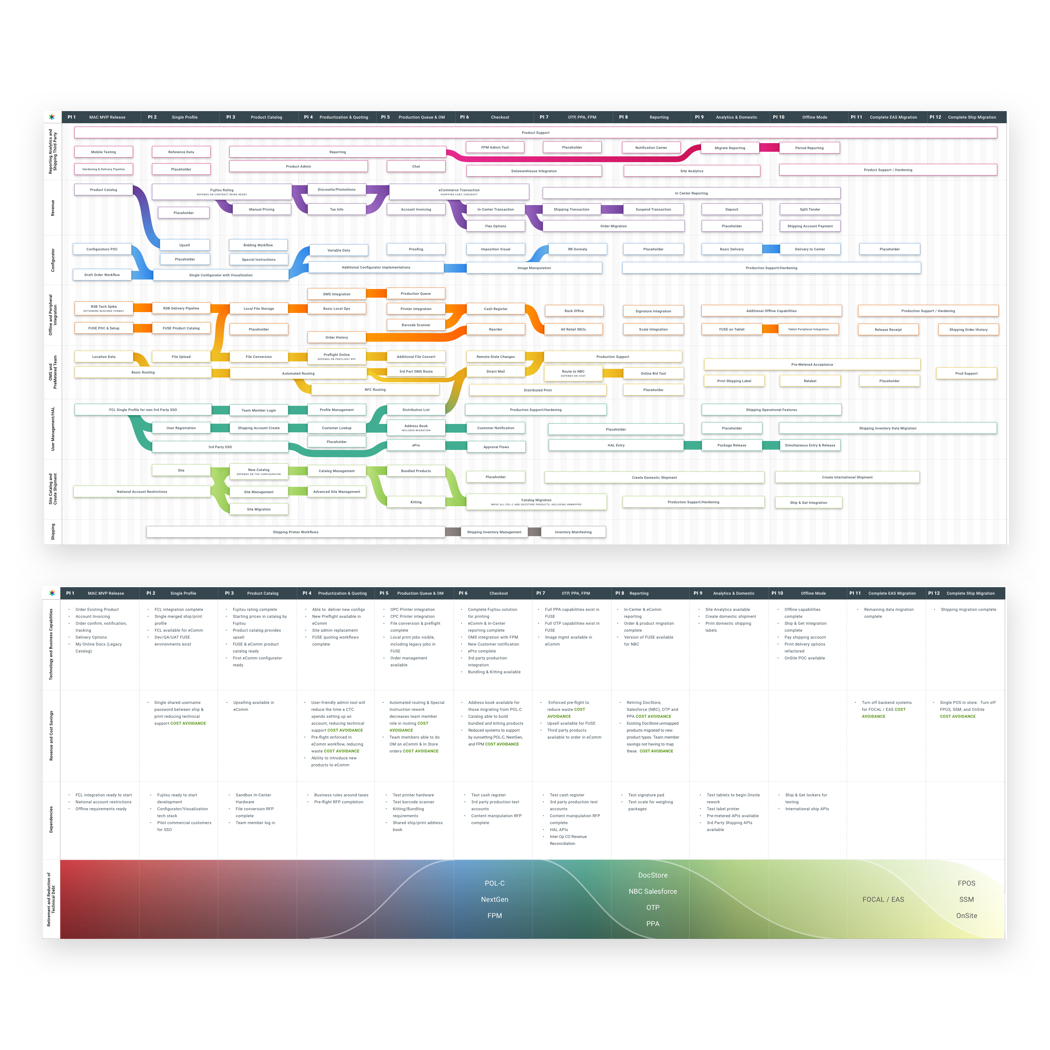
The success of our team led to a separate initiative aiming to align the organization across product teams in an effot to reduce technical debt and overlapping efforts.
I was fortunate enough to provide insight around the state of the Commercial product and provide guidance around how to most effectively distribute design resources. I additionally lent support creating the final deliverables in what would be a presentation to the executive team.
Prior to each round of usability testing, the team would convene to determine a user flow. This was a a great chance to come together and collaborate around ideas for features and ensure we were extracting the most value for each workflow.
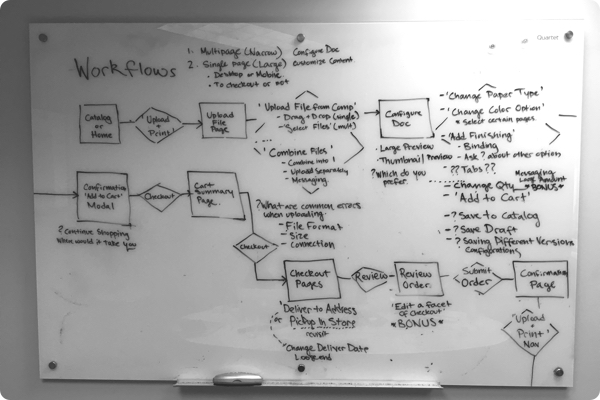
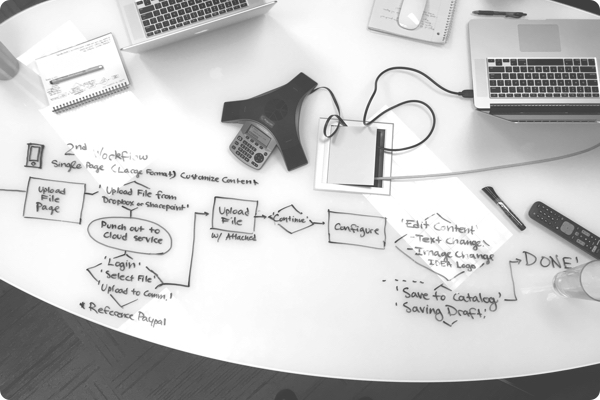
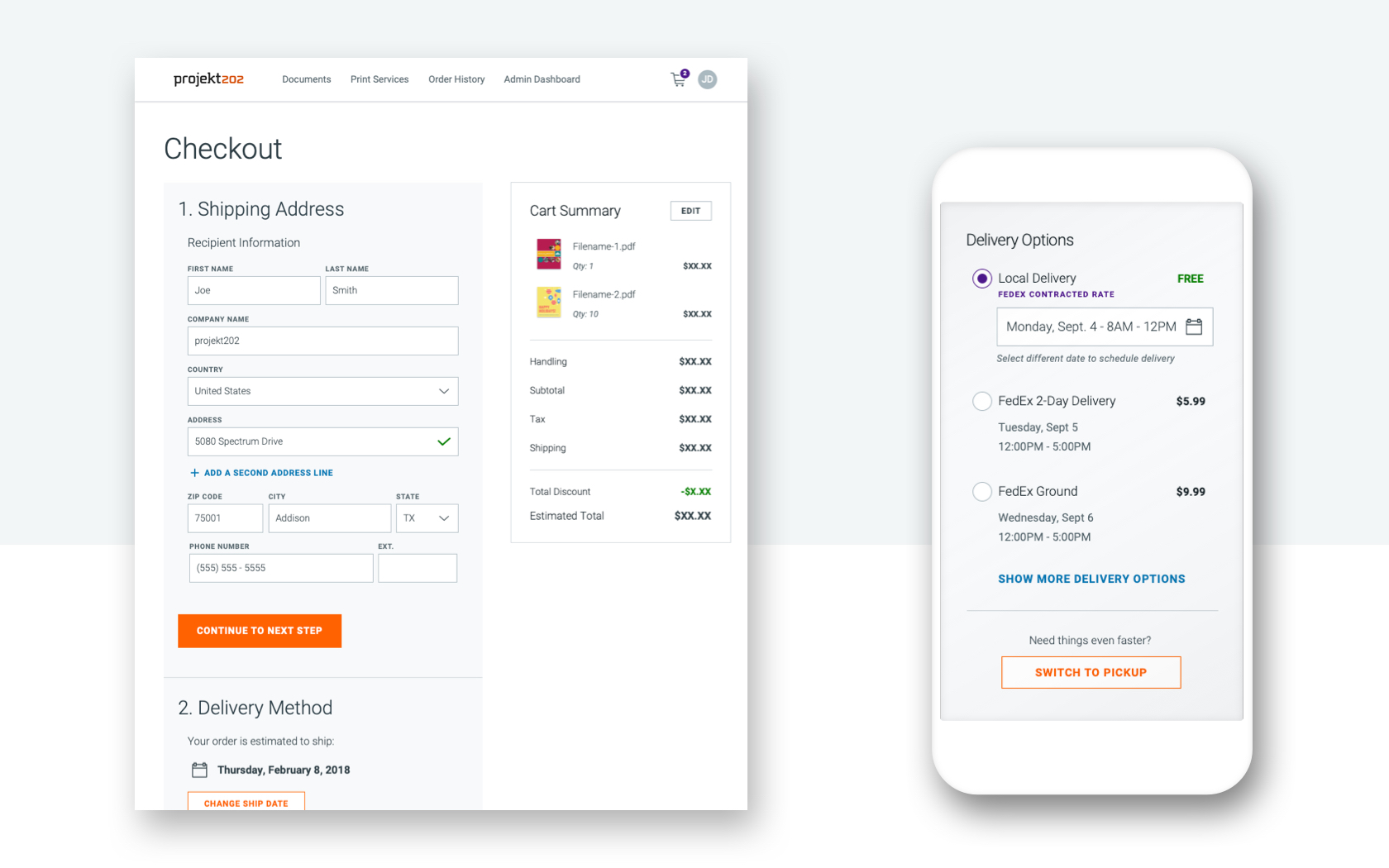
Typically, whiteboarding would lead to wireframing, however; as a result of having access to a highly mature design system, we were able to bypass the wireframing process and jump straight into hi-fidelity comps utilizing design library resources such as page templates.
Throughout the engagement the team created hundreds of design comps, dozens of feature documentation pages, and several responsive prototypes.
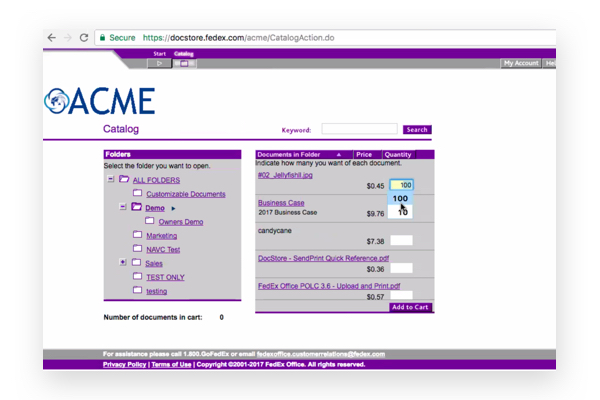
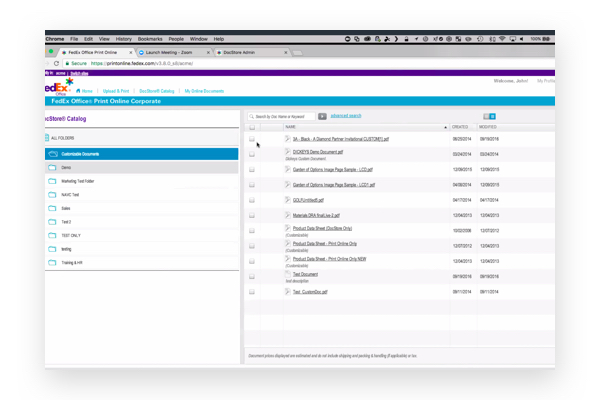
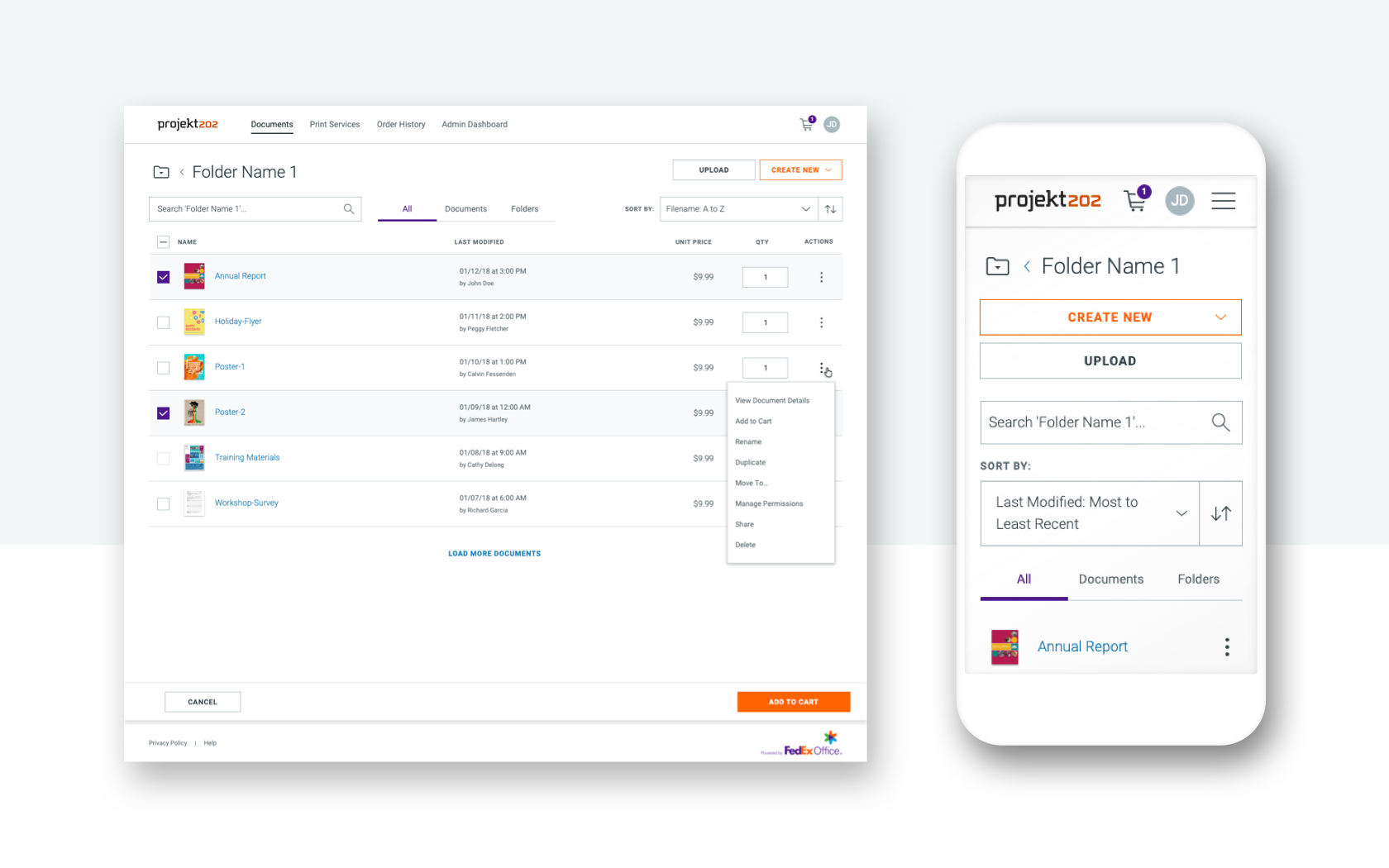
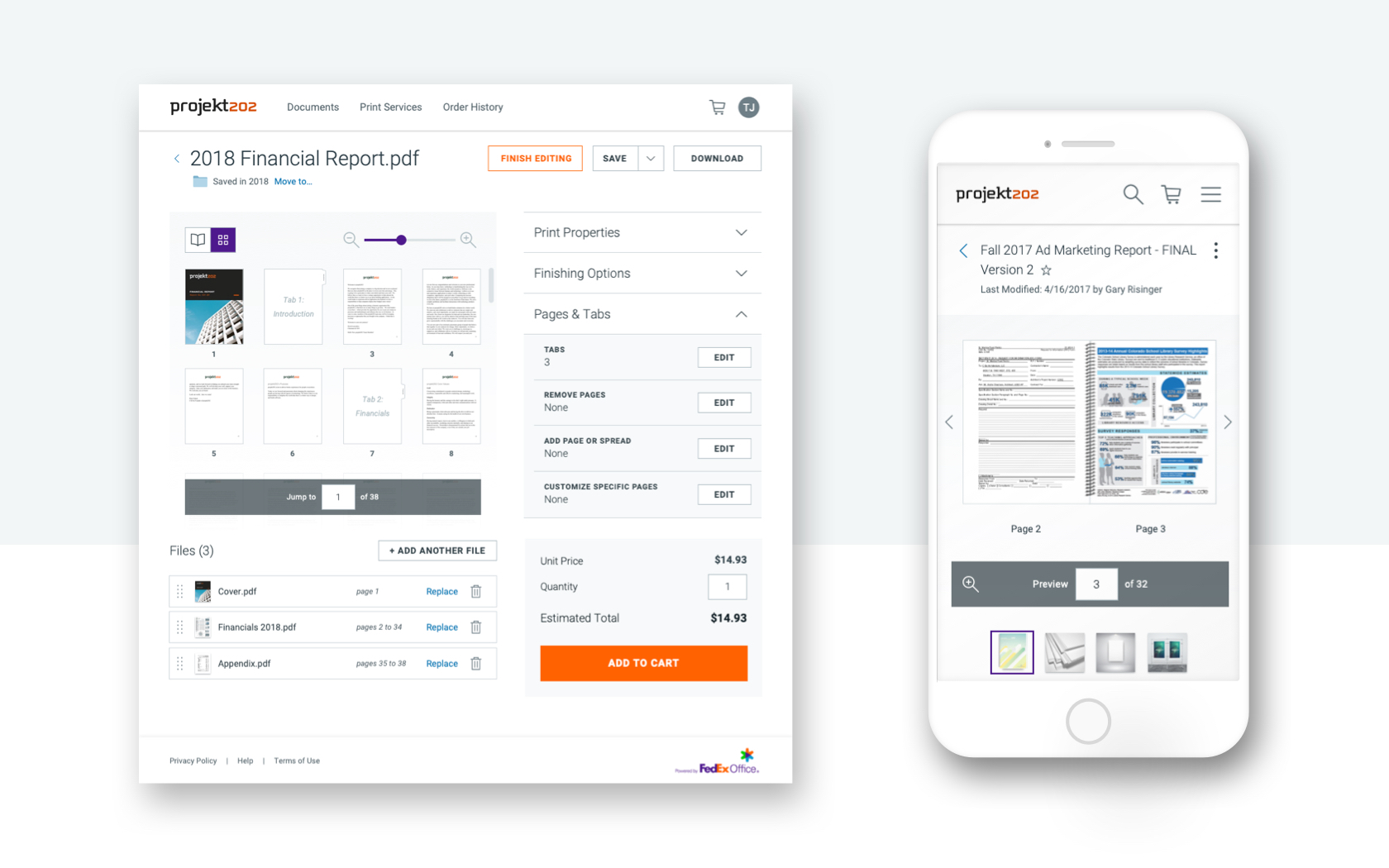
The goal of validation testing was to identify usability problems, collect qualitative and quantitative data, and determine the user's satisfaction with the product.
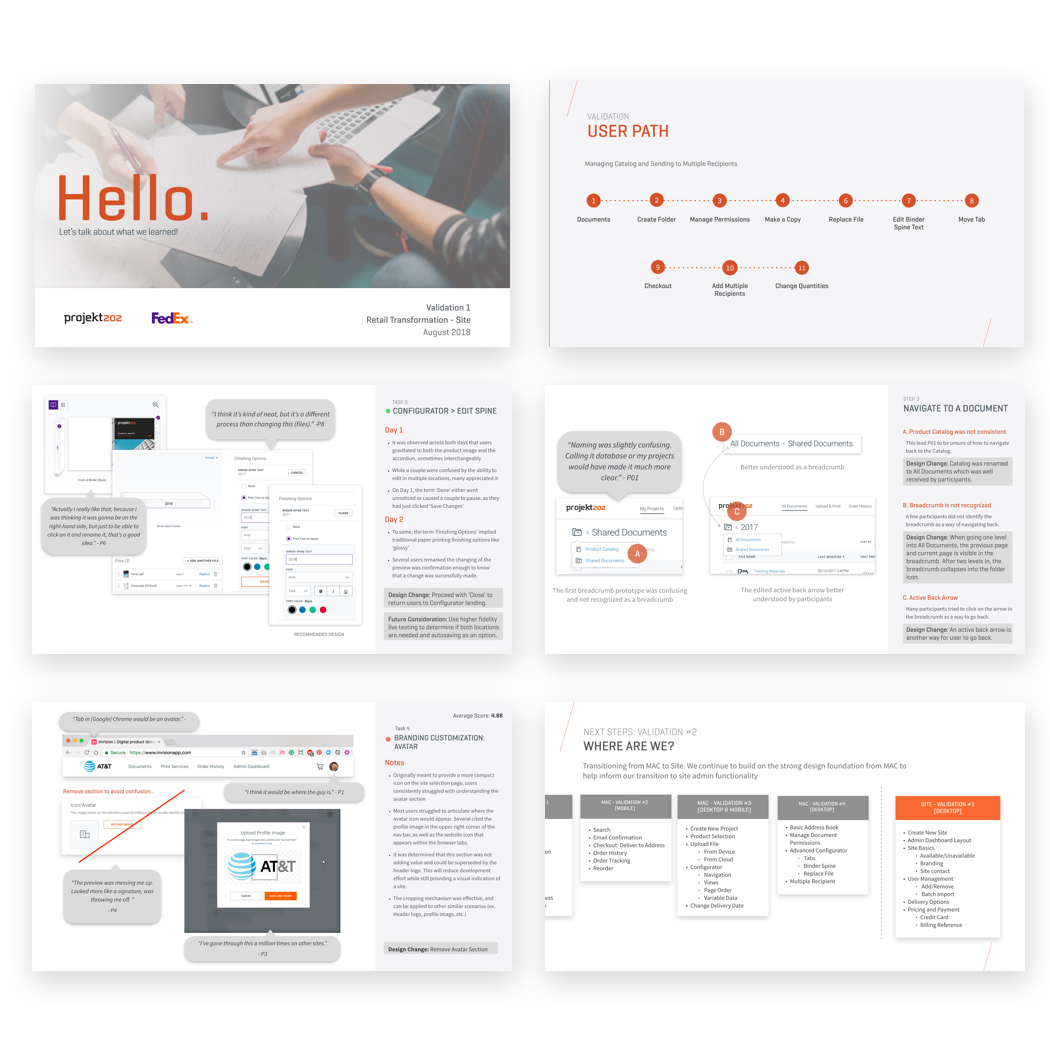
Design validations were conducted one-on-one with a facilitator guiding participants to use the product and perform key tasks.Utilizing the RITE (Rapid Iterative Texting Evaluation) to complete our validations, the team made changes in between sessions and testing days to rapidly test multiple design approaches. Current Commercial customers were sourced for testing including several of the individuals we conducted interviews with, prior to the design phase.
Upon completion, a validation report would be created, presented and archived for easy future reference by the team.
We had the opportunity to collaborate and integrate with our own design system team designers and developers.
The design system team provided design resources and guidance when defending common UI design decisions. As a result of the design system and product being created in parallel, our application created a staging area to validate components with user while supplementing the shared library for the broader UX team. Several designers transitioned between the product and design system project, leading to a unique cross-pollination of skills and knowledge across the organization ultimately leading to deeper understanding and appreciation the design system as a team.
In the past, I have worked on several design systems; however, this was the first time I would be consuming and contributing to the library from a product team. The process of sharing and augmenting the library was a critical component to the success of the project.
As the team grew, we were compelled to adopt a version control system, Abstract, to better manage versioning, reviews and distribution. The transition did not come without difficulty.
In order to fully take advantage of a central symbol library, all design files, including those from the other 3 product teams at different stages of design pattern adoption, had to be reconnected with the library and redistributed. Once completed, all design comps referenced the shared symbols paving the way for effortless pattern updates and seamless sharing of design assets across teams.

After 4 design validations the development of the application was set to begin. A newly formed development was assembled and tasked with spearheading the effort using the newly created Angular library. Many developers were unfamiliar with Angular and required diligent training by our design system developers. There was the added challenge of educating the team about agile methodologies both from a user story creation and sprint planning perspective.
My role on the team was to translate the designs and insights from the research, review and validation cycles. I would provide hi-fidelity design comps, annotated workflows, assist developers with simple front end tasks, compose development stories, and provide daily desk checks.
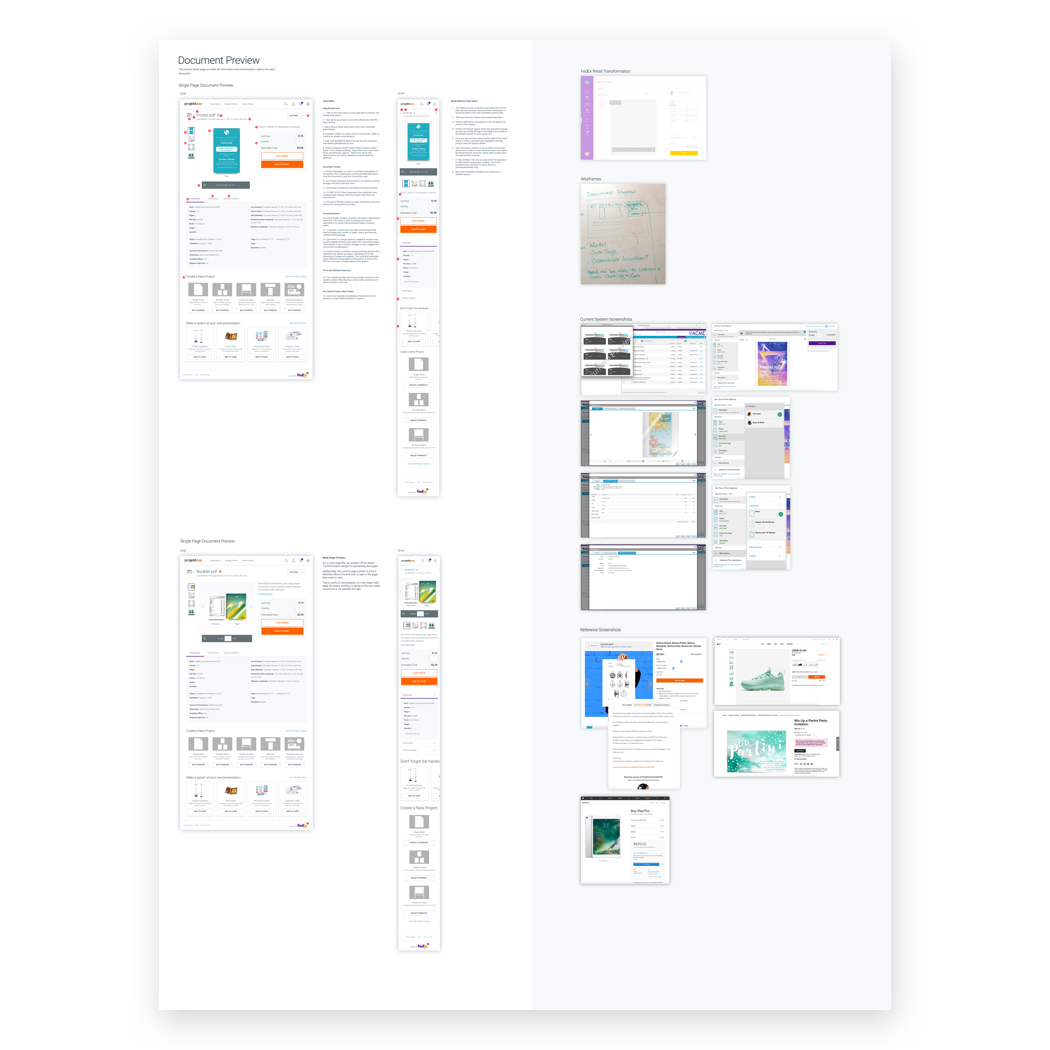
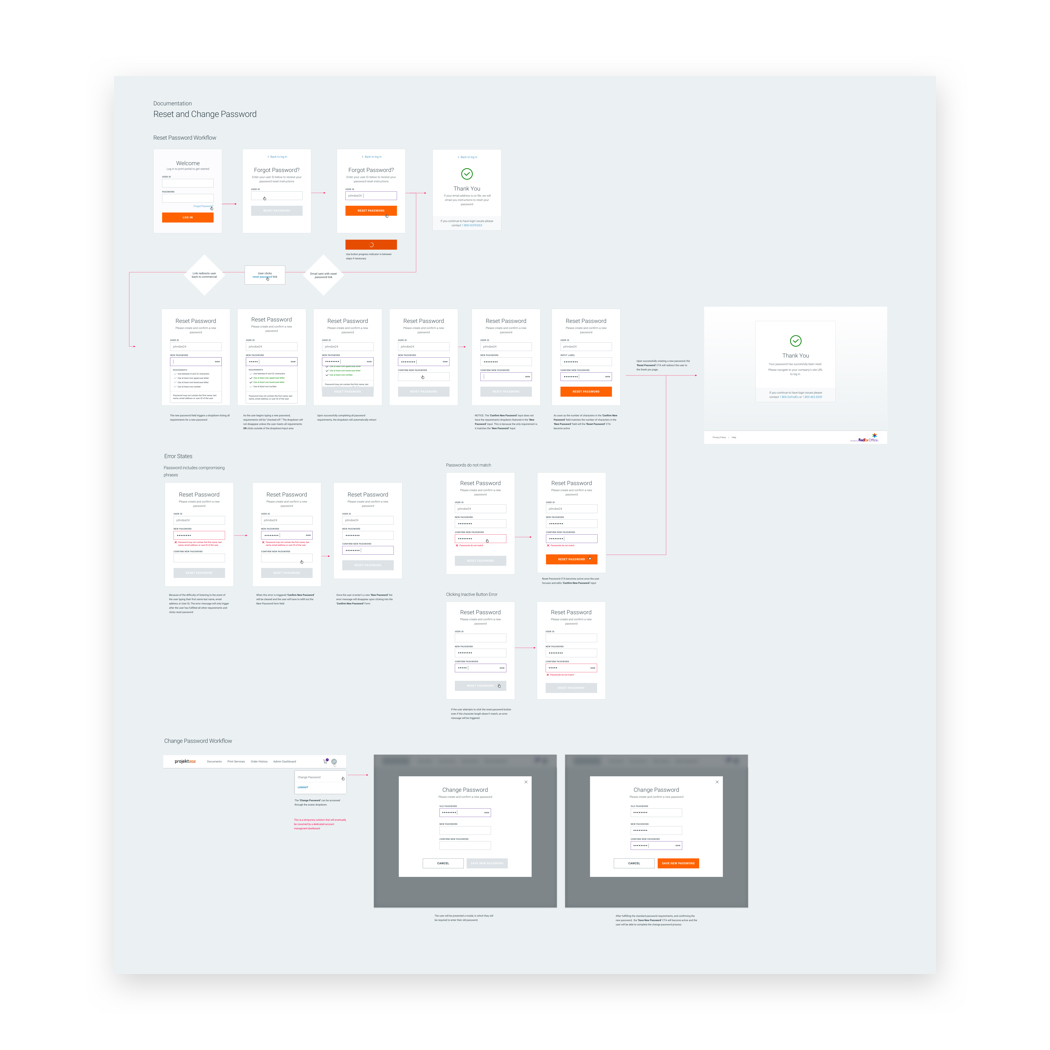
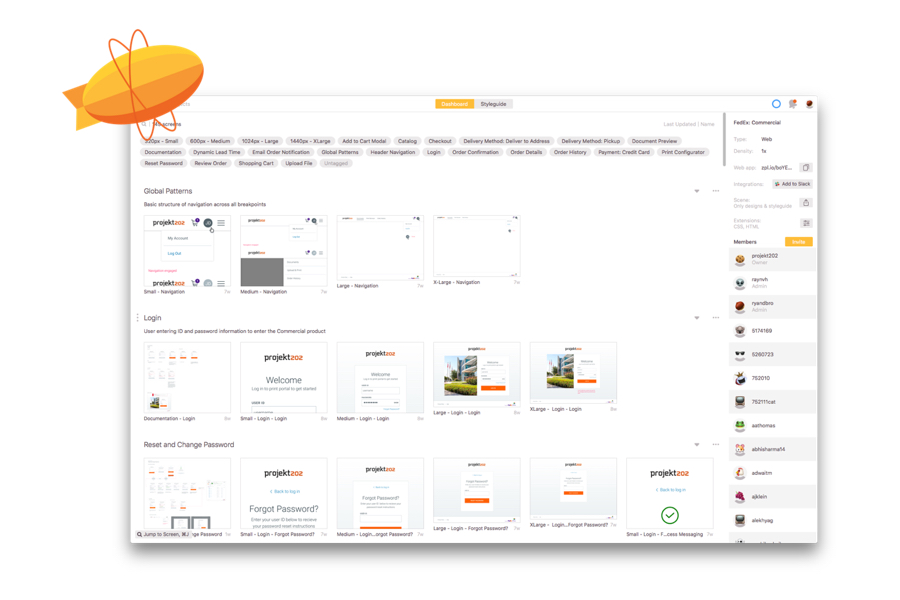
While the new product began as a means to consolidate legacy systems, the success and consistency of our design efforts kickstarted a broader redesign FedEx Office's online print product suite. All online and in-store applications would, going forward, leverage the design and created by the Commercial product team.
FedEx Office provided the opportunity to dive deeper into the DesignOps. The project evolved from a small 1-2 person team into a large 30+ multi-pod blended teams. We needed clear and concise approach to solving problems and prioritizing features.
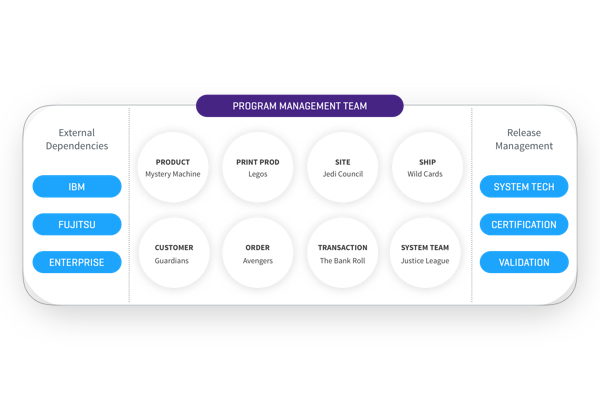
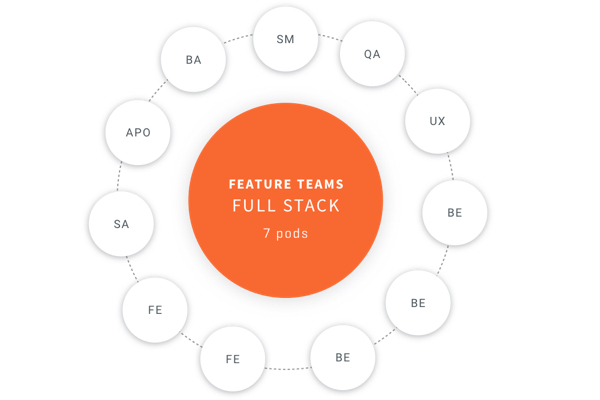
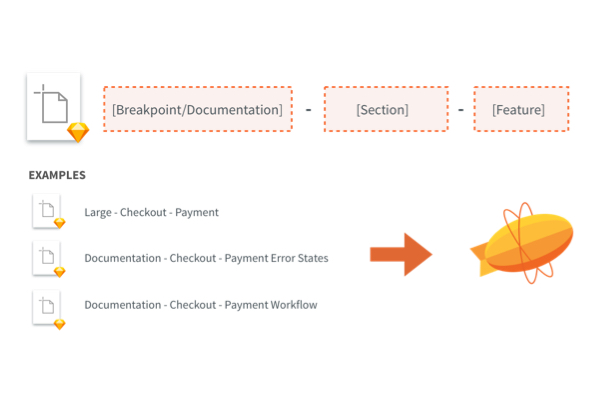
Two noteworthy improvements to our process included optimizing file structure and new team member on-boarding. Our ability to quickly switch employees between project teams, provided flexibility, project sustainability, and a noticeable improvement of quality.
Resources, such as rich on-boarding presentations, meticulously organized design assets, and documentation of best practices helped designers understand expectations and be set up for on-site success.
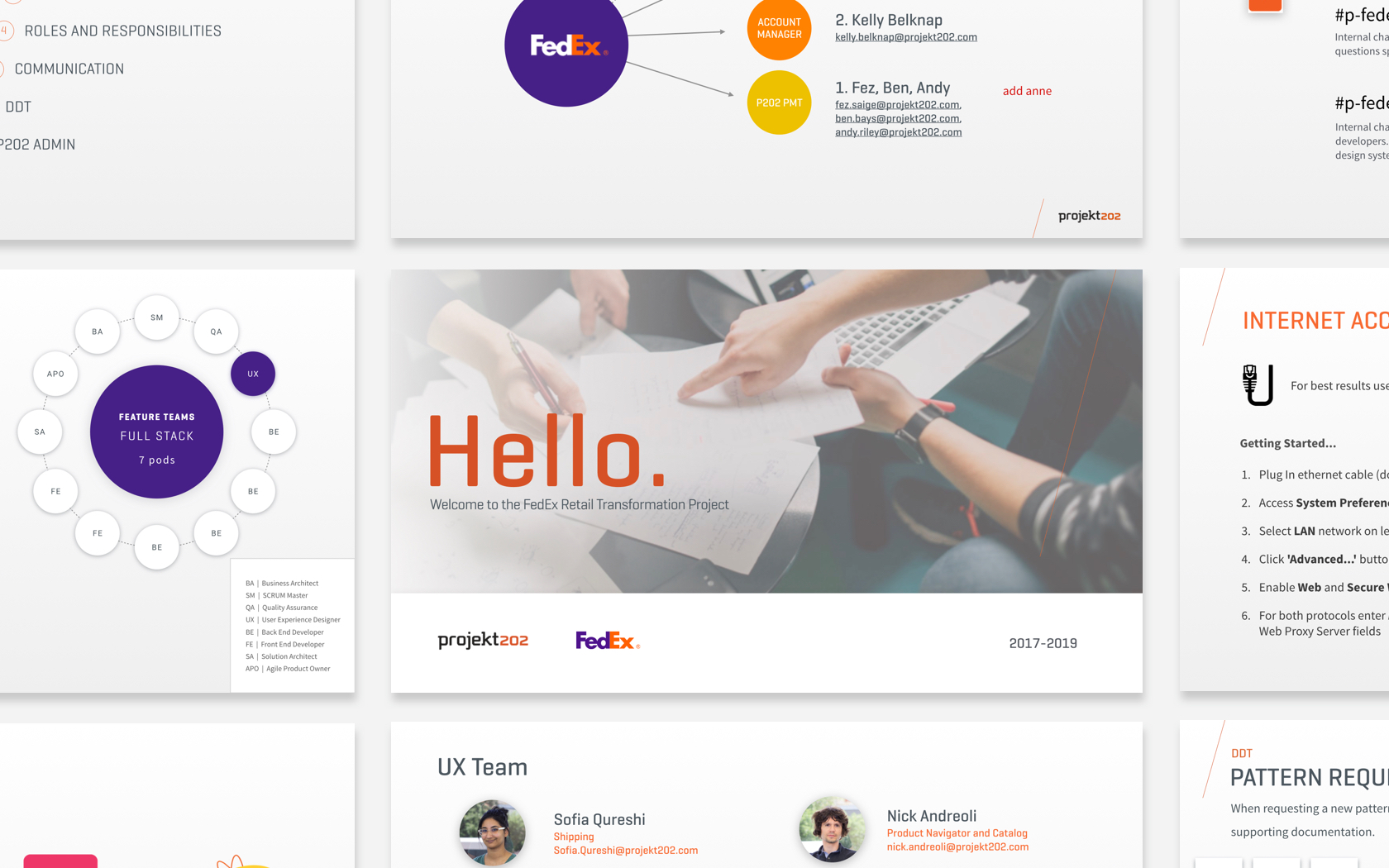
The Fedex project provided a unique opportunity for us to not simply create a great product but educate and impact the company’s organization. Our efforts led to more efficient teams, improved transparency, and product quality.
More important than the final design output was the level of communication and clarity around product decisions which allowed individuals to progress with their personal skillsets while developing stronger working relationship with vendors and internal co-workers alike.